
Changelog

Follow new updates and improvements to T-Stats Solutions.

What's New in September 2026
We've made several updates this month to enhance the power and usability of T-Stats Solutions. These include fixes for issues affecting exports, imports, and core analytics functionality, along with data improvements.

ENHANCEMENTS

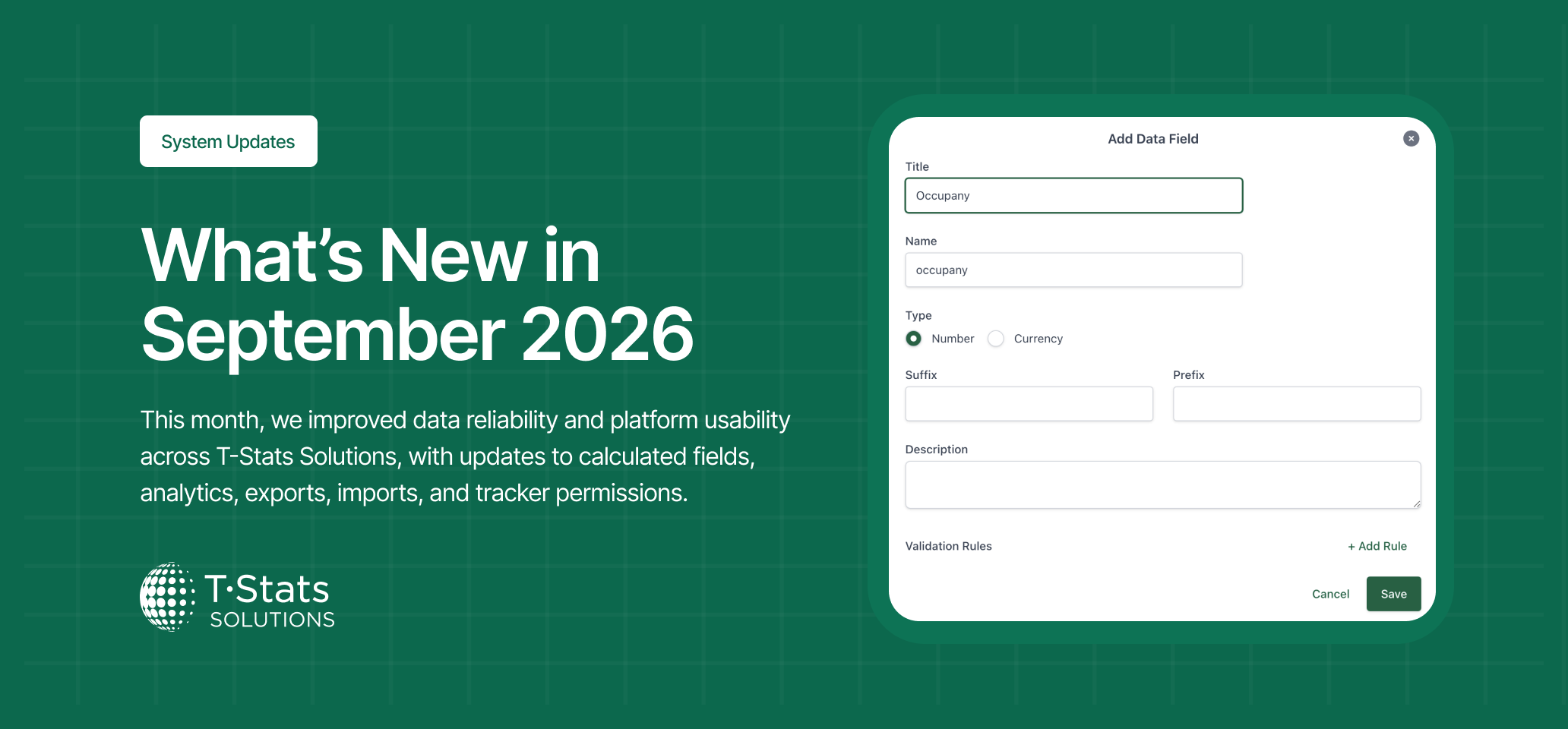
Calculated Field Names Can No Longer Match Existing Data Field Names

  • What is the change: A validation rule has been introduced to prevent calculated fields from being given the same name as an existing data field in the tracker. The system now rejects the naming conflict at the point of configuration.

  • What is the impact: Prevents calculation errors caused by the system being unable to resolve which field to reference when a calculated field shares a name with a data field. Removes a known source of data inaccuracy at the root.

BUG FIXES

Data Export Now Working Correctly Across All Systems

  • What is the change: Fixed an issue where the data export feature was not functioning, preventing users from downloading exported data files.

  • What is the impact: Users can once again export data and download reports without interruption.

National Tracker Data Import No Longer Fails on All Rows

  • What is the change: Fixed a critical import failure where every row in an import file was being rejected when importing data into a national tracker. The same file imported correctly into a tenant-owned tracker, confirming the issue was specific to the national tracker import path.

  • What is the impact: Data can now be imported into national trackers correctly, with rows processed and stored as expected.

Manage Trackers Permission Now Correctly Grants Access to Tracker Settings

  • What is the change: Fixed an issue on the system where users assigned a newly created role with the Manage Trackers permission could not access Tracker Settings, despite the same permission working correctly for another existing role on the same system.

  • What is the impact: Users assigned the new role can now correctly access Tracker Settings and Data Reporting, enabling them to carry out their administrative responsibilities.

Thanks for using T-Stats! We're committed to making the platform better for you and your businesses every month. Your feedback helps shape these improvements, so please keep in touch!
What's New in August 2026

We've made several updates this month to enhance the power and usability of T-Stats Solutions. These include a major platform upgrade along with data and chart fixes:

FEATUES

Pie Chart Now Available as a Dashboard Widget

  • What is the change: Pie chart visualisations can now be added as widgets on the dashboard, alongside the existing chart widget types.

  • What is the impact: Users can render pie chart data directly on their dashboard without navigating to the tracker analysis view, enabling richer and more personalised dashboard configurations.

Data Submission Date Now Visible in the Admin View

  • What is the change: The date on which provider partners submit their data is now displayed in the Data Reporting area, making submission timing visible to administrators for the first time.

  • What is the impact: Administrators can now see at a glance when each provider submitted their data, supporting compliance monitoring and the identification of late submissions.

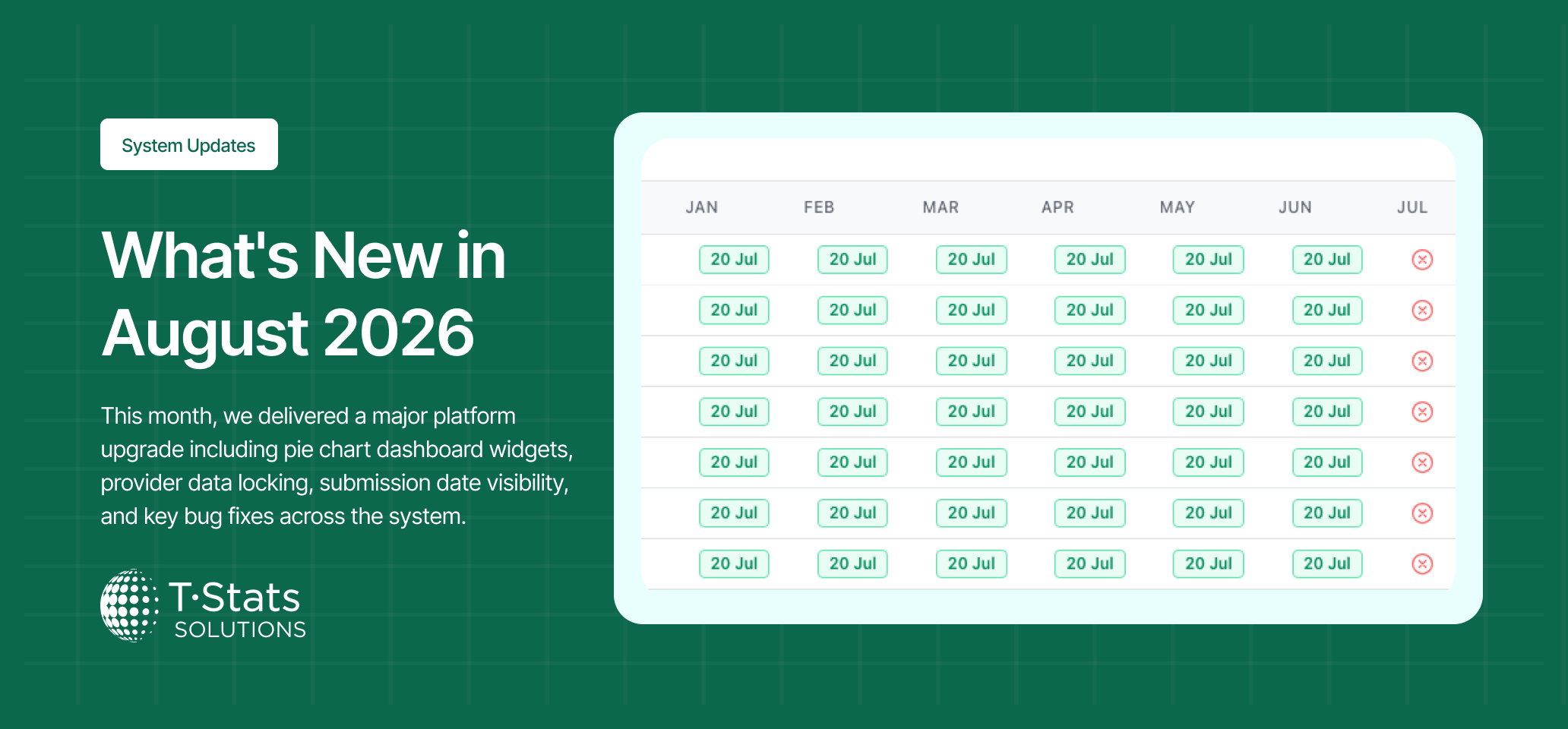
Accommodation Providers Automatically Locked After Data is Published

  • What is the change: Accommodation providers’ data submissions can now be automatically locked out of editing their submitted data once it has been published. Administrators retain the ability to unlock and edit data. A configurable message is displayed to providers explaining how to request a change.

  • What is the impact: For those destinations that require it, prevents providers from modifying data after it has been published, protecting the integrity of the published dataset and reducing the risk of post-publication edits going unnoticed.

ENHANCEMENTS

Dashboard Text Widget Now Supports Paragraph Alignment and Full-Width Rendering

  • What is the change: The dashboard text widget now correctly applies paragraph position settings and renders text across the full width of the widget when set to full-width layout.

  • What is the impact: Admins can now produce properly formatted text widgets on the dashboard, including centred, left-aligned, and full-width text layouts, without the content bunching to the left.

Removing an Import Now Automatically Removes Associated Providers

  • What is the change: When an import is removed, any providers that were created as part of that import are now automatically deleted alongside the import data. Previously, providers created by an import had to be deleted manually one by one.

  • What is the impact: Cleaning up incorrect or unwanted imports is now significantly faster, particularly for trackers with many providers.

BUGS

Mandatory Provider Onboarding Fields Can No Longer Be Bypassed

  • What is the change: Fixed an issue where newly invited accommodation providers could bypass mandatory Provider Onboarding fields without completing them.

  • What is the impact: Providers are now required to complete all mandatory onboarding fields before proceeding, ensuring the system captures the required data from every new provider from the outset.

Thanks for using T-Stats! We're committed to making the platform better for you and your businesses every month. Your feedback helps shape these improvements, so please keep in touch!

What's New in July 2026

We've made several updates this month to enhance the power and usability of T-Stats Solutions. These include fixes to the polygon drawing function and enhancements to granularity reporting. Here's what's new:

ENHANCEMENTS

"All Metrics On By Default" Now Configurable Per Tracker

  • What is the change: The "All Metrics On By Default" setting can now be toggled on the individual tracker overview page

  • What is the impact: Admins can now control metric display on a per-tracker basis, configuring which metrics are enabled by default in the analysis view.

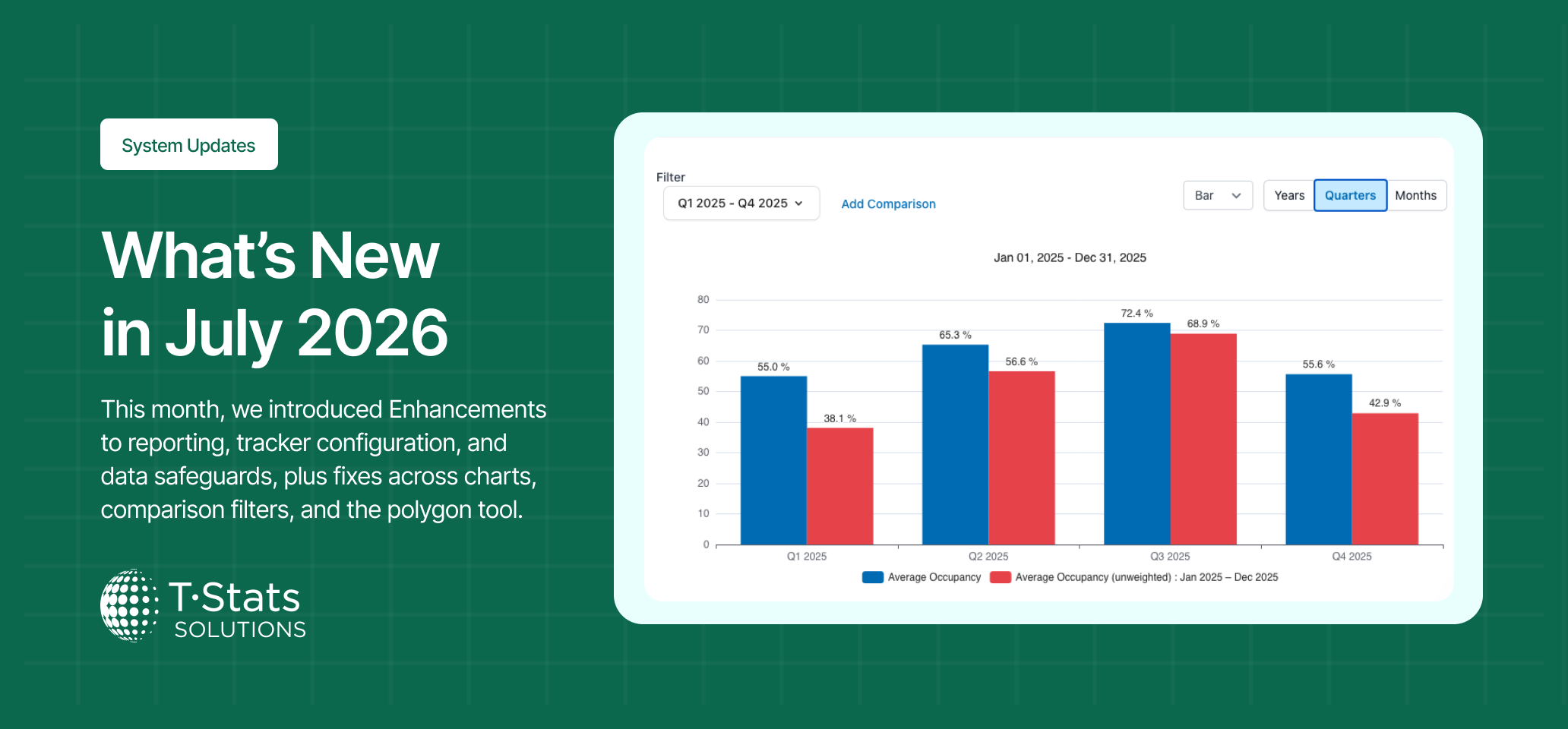
Quarterly Granularity Now Available for Tracker Analysis

  • What is the change: A quarterly granularity option has been added to tracker analysis views, allowing users to view and compare data at a quarter-by-quarter level.

  • What is the impact: Users can now perform quarter-based analysis, align tracker insights with quarterly planning cycles, and compare seasonal performance across standardised reporting periods.

Clear Tracker Data Now Requires Confirmation Before Executing

  • What is the change: The Clear Tracker Data action now displays a confirmation prompt before executing, consistent with the safeguard already in place for the Delete Tracker action.

  • What is the impact: Admins are protected from accidental data loss caused by inadvertently triggering the clear action. The prompt gives users the opportunity to cancel before any data is removed.

BUG FIXES

Pie Chart Add Comparison No Longer Merges Periods into One Slice

  • What is the change: Fixed an issue where adding a pie chart via the Add Comparison feature merged both data periods into a single combined pie chart instead of displaying them separately.

  • What is the impact: The Add Comparison feature now correctly handles pie charts, presenting each period distinctly rather than combining them into misleading output.

Reminder Emails No Longer Sent to Providers Who Have Already Submitted

  • What is the change: Fixed an issue where reminder emails were being sent to providers who had already submitted data for the relevant period.

  • What is the impact: Providers who have submitted data on time no longer receive incorrect reminders, avoiding unnecessary confusion and maintaining trust in platform communications.

Polygon Drawing Tool Restored Across All Browsers

  • What is the change: Fixed an issue where the polygon drawing tool was not functioning in Chrome or Safari. The cursor was not changing to a pen nib when Draw Polygon was selected, and existing polygons were not rendering in the Settings view.

  • What is the impact: Admins can once again draw, view, and manage geographic polygons across all supported browsers.

Thanks for using T-Stats! We're committed to making the platform better for you and your businesses every month. Your feedback helps shape these improvements — keep it coming!

Earlier updates