What's New in May 2026
We've made several updates this month to enhance the power and usability of T-Stats Solutions. From pie chart visualisations for trackers to tracker archiving and favourites, here's what's new:
ENHANCEMENTS
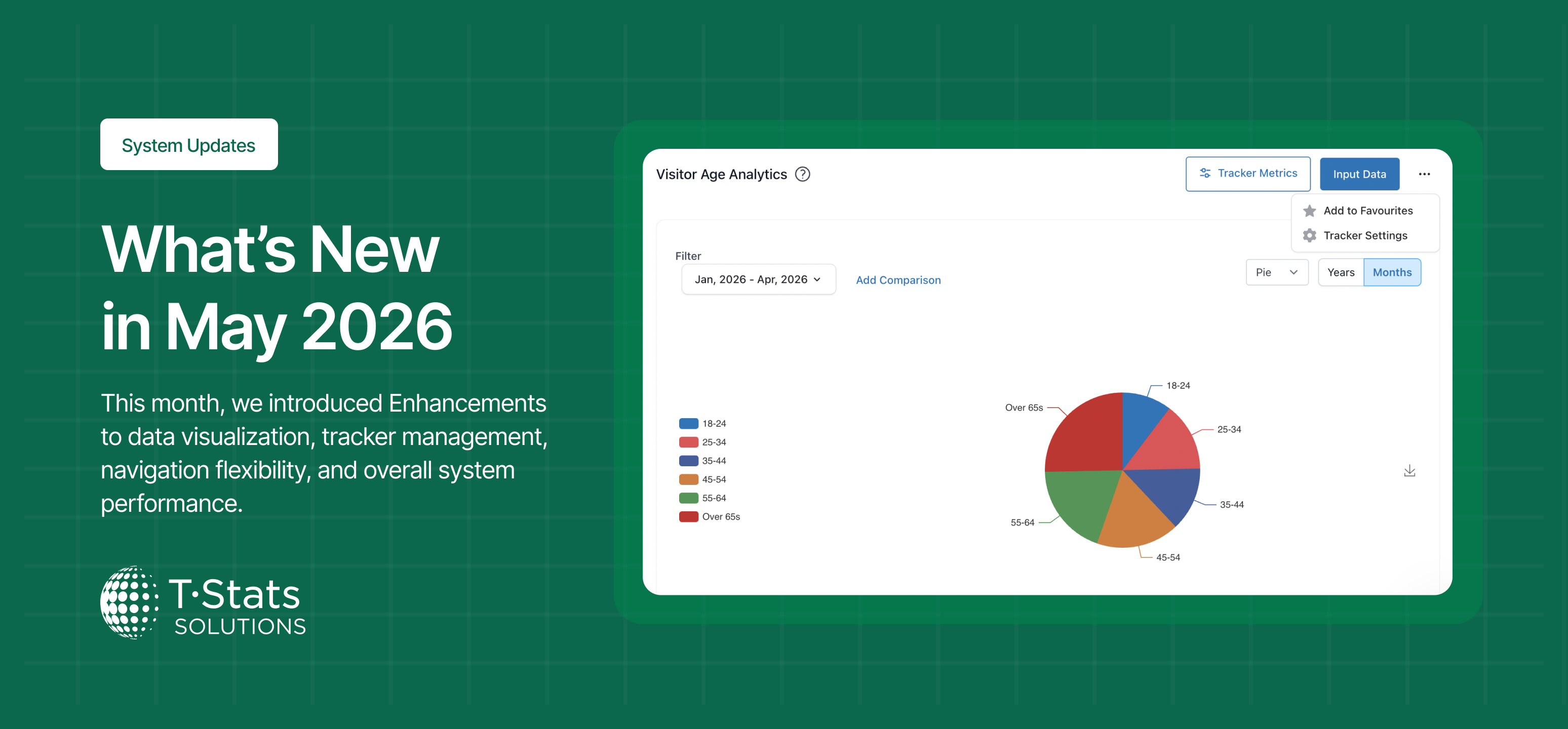
Added Pie Chart Visualisation to Trackers
What is the change: Introduced a pie chart option for tracker metrics, available in both the back-end and analysis views.
What is the impact: Users can now visualise tracker data as a pie chart for appropriate data-sets, enabling richer and more varied data presentation.
Archive Trackers Without Losing Data
What is the change: Added an Archive option for trackers, allowing users to deactivate a tracker without permanently deleting it or its data.
What is the impact: Users can now archive inactive trackers to keep their workspace clean while preserving historical data for future reference or reactivation.
Save Favourite Trackers for Quick Access
What is the change: Added the ability to save trackers as favourites, surfacing them in a dedicated favourites section on the tracker list sidebar.
What is the impact: Users can now access their most-used trackers instantly without searching through the full tracker list each time.
Assign Trackers to Multiple Navigation Groups
What is the change: Updated the tracker back-end to allow a tracker to be assigned to more than one navigation menu group.
What is the impact: Admins can now organise trackers across multiple menu groups, improving navigation flexibility for different user contexts.
Toggle Data Point Figures on Charts
What is the change: Added a toggle control to show or hide numeric figures displayed on chart data points.
What is the impact: Users can now customise chart views by hiding figures for cleaner presentations or showing them for detailed analysis.
BUG FIXES
Imported Data Not Showing on Input Screen
What is the change: Fixed an issue where data imported into the system was not displaying on the Input Data screen.
What is the impact: Imported data now appears correctly on the Input Data screen after a successful import.
Notification Box Not Rendering for Some Users
What is the change: Fixed an issue where the notification box did not render correctly for users without My Business Settings access.
What is the impact: The notification box now displays correctly for all users regardless of their permission level.
Thanks for using T-Stats! We're committed to making the platform better for you and your businesses every month. Your feedback helps shape these improvements — keep it coming!